
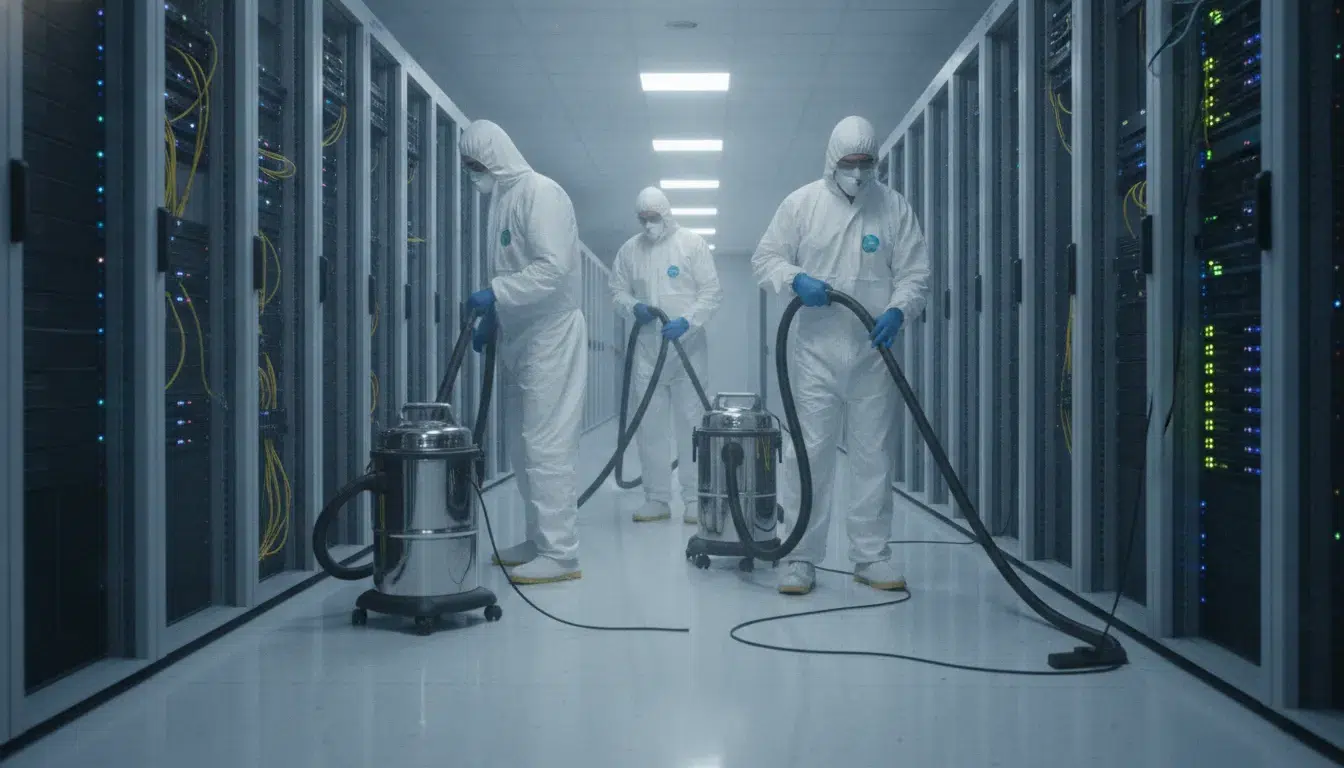
Data Center Maintenance Cleaning Before and After Work
Unchecked dust accumulation during active maintenance cycles can lead to avoidable hardware failure and costly downtime. Technicians and contractors stir up settled particles that can bypass standard air filters. Foreman Pro Cleaning helps facility managers control this risk before, during, and after planned work.
Request a customized data center cleaning plan for your next maintenance window.
Data center maintenance cleaning removes dust, fibers, metal fragments, and packaging debris released during hardware upgrades, cabling, and repairs. Facility managers should establish pre-work controls, contain debris during work, complete post-work particulate removal, and document the closeout before returning the space to normal operations.
Even a simple repair can leave a clean room with hidden threats. The first step is understanding why maintenance windows create a cleaning risk.
Why maintenance windows create a cleaning risk
Maintenance windows are a busy time for any facility. Teams use these slots to set up new gear, run cables, and fix old parts. While these tasks are needed for growth, they also bring high risks to the room. Each step of the work can stir up dust or bring in debris from the outside. If you do not plan for data center maintenance cleaning, you risk your hardware’s life.
How work stirs up hidden dust
Many tasks require opening floor tiles or moving heavy racks. These actions release fine dust that has settled under the floor over many months. This dust can then float into the air and reach your servers. According to research from Lawrence Berkeley National Laboratory, airborne particles can cause mechanical and electrical failures. This risk is even higher now because circuit board parts are so small. Tiny particles that were not a threat before can now cause a short circuit.
Cabling work also creates unique risks. When technicians pull new lines through tight spots, they often scrape against surfaces. This creates tiny bits of plastic or metal that fall onto the floor. Without proper data center maintenance cleaning, these bits stay in the room. They can get sucked into fan intakes and block the flow of air. This leads to heat buildup and ruins the performance of your systems.
The impact of foot traffic and packing debris
Work in the room usually involves many people and a lot of new gear. Workers often bring in tools and parts from non-clean areas. They may walk through the hall without cleaning their boots first. This brings in mud, sand, and other outdoor dirt. Cardboard boxes are also a big source of wood fibers. These fibers are light and move fast through the air.
Movement in the room keeps these particles in the air for a long time. Every step a worker takes acts like a fan, pushing dust higher. The Centers for Disease Control and Prevention suggests a risk assessment before any work that makes dust. This helps you find the danger spots before you start. You should also check your maintenance cleaning frequency to match the level of work. High-traffic windows need more cleanup than daily tasks.
Integrating cleaning into change plans
You must treat cleaning as part of the work plan, not as a chore for later. If you wait until the window closes, the damage may already be done. Dust can settle inside server vents in just a few hours. This makes it much harder to remove later. You should book your cleaning crew to be on-site right after the work is finished.
A good plan should include a full wipe-down of all surfaces. Technicians should use HEPA-filtered vacuums to trap the smallest particles. This ensures that the air stays clean for the sensitive gear inside. By making cleaning a core part of the change plan, you protect your uptime. You also ensure that the room meets strict ISO standards for air hygiene.
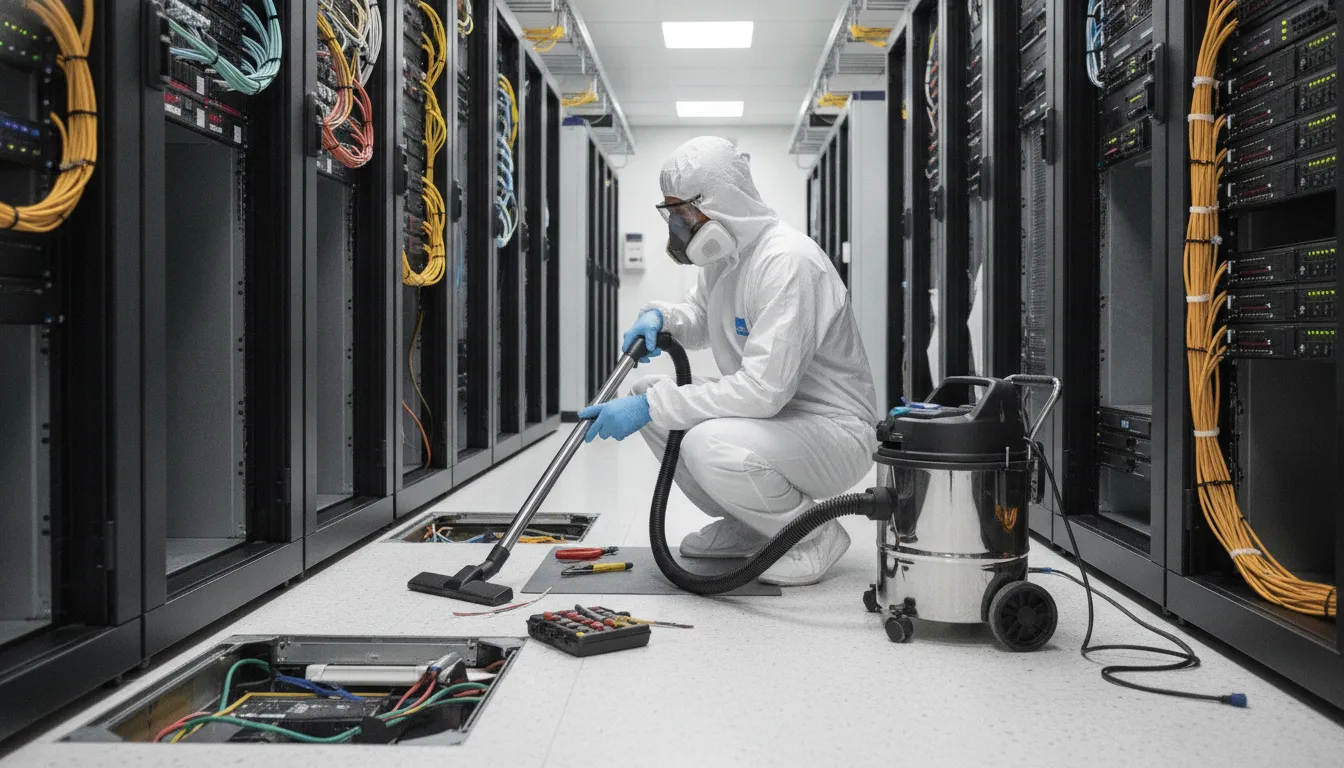
Build the pre-work cleaning controls into the change plan
A solid change plan is the best way to keep your servers safe. Before any data center maintenance cleaning begins, you must map out every step to stop dust from moving. Dust and dirt can cause hardware to fail or get too hot. The CDC says to use a risk check before you start any work that could make dust. This plan links your IT team with the cleaning crew so all staff know the goals. A good plan keeps the room clean and the power on.
Map the risk zones
You need to know where the most dust hides before the tools come out. High-risk spots like the floor plenum and ceiling tracks need a close look. A data center cleaning checklist helps you find and map these key spots early. You should check the air flow paths and cooling vents to see how air moves through the room. If you know where the air goes, you can block dust from reaching the server racks. This step stops small bits of dirt from causing big repair bills later.
The pre-work cleaning steps
Setting up the room the right way is a big part of the job. You must follow a set path to get the site ready for a deep clean. This path helps the team avoid mistakes and keeps the work on track. Use this sequence to set up your cleaning window:
- Walk through the site with the IT lead to set the exact scope.
- Check air pressure and rack temps to get a start state.
- Put up plastic walls to seal off spots that do not need cleaning.
- Place sticky mats at every door to catch dirt from shoes and cart wheels.
- Set up HEPA vacuums and check that all tools are safe for static zones.
- Brief the team on where to go and what spots are off-limits.
Setup and safety rules
Your plan should also show how the team will enter and exit the room. Every person who walks in must know the rules for your own site. You should have clear steps for what to do if a sensor goes off or if a rack gets too hot. Talk about who to call and how to stop work fast if there is a problem. Having these rules in writing makes the whole task safer for your gear. It also helps you meet professional data center maintenance cleaning standards. Good prep work means you can clean without worry.
How should facility managers coordinate cleaning vendors?
Facility managers must lead the way during data center maintenance cleaning. You serve as the bridge between the IT staff and the cleaning crew. Your main goal is to keep the room safe while the work gets done. This needs a strong plan that covers roles, tools, and timing. When teams talk well, the risk to the servers drops. You can then focus on keeping the site at its best.
Clear roles and handoffs
Success in a cleanroom starts with knowing who is in charge of each task. The IT team owns the hardware, but you own the space. The cleaners must follow your lead. Before the work starts, hold a short meeting. Use this time to set the bounds for the job. You must decide who will move cables or open floor tiles. A clear handoff at each step stops errors. It also ensures no spot gets missed during the deep clean. If you need help with this step, look at a facility-manager guide to planning data center maintenance cleaning to stay on track.
You should also name a point of contact for the shift. This person handles all questions from the crew. They make sure the cleaners stay in the right zones. This level of control is vital for air safety. It stops the spread of dust from high-traffic zones into the server racks. Good handoffs make the whole process run with more ease. They give the IT team peace of mind while others work near their gear.
Matching change tickets and MOPs
Every job in a vital room needs a Method of Procedure (MOP). This guide tells the crew what to do and what to avoid. You must match the cleaning time with the site change tickets. This matching ensures that cleaning does not clash with big tech updates. If the IT team is swapping a server, the cleaners should stay clear. Setting the time for a low-risk window is the best path for site health. It keeps the power and the cooling safe from harm.
The CDC suggests a full risk check before any work that might create dust or air particles. You should review the MOP with your tech lead first. Check for steps that involve floor work or overhead cleaning. These tasks pose the most risk to the air. By matching the MOP to the change ticket, you create a shield for the site. This process makes the work clear for all and keeps the uptime high.
Approved tools and incident plans
You must check every tool and liquid before the crew enters the room. Standard cleaning tools can cause static or shed lint. Both can kill a server. Only allow tools that do not conduct power. All vacuums must have HEPA filters to catch the smallest bits of dirt. Using professional data center maintenance cleaning helps because these crews already have the right gear. They know which floor soaps are safe and which ones to skip. You should sign off on a list of approved items before they arrive.
An incident plan is just as vital as the cleaning itself. You must know what to do if a sensor goes off or a spill occurs. Ensure the crew knows the alarm codes and the way to the exits. Set a rule for telling you fast about any odd events. If a cleaner bumps a rack, they must tell you right away. Quick talk helps you fix small issues before they become big outages. This level of care keeps your data center running without a hitch.
Control debris while maintenance is underway
Safe data center maintenance cleaning needs tight control of dust during live work. When staff open cabinets or pull up floor tiles, they release bits of dust. These small bits of dirt can cause hardware or power faults in your gear. It is vital to stop these threats before they reach your servers. Proper upkeep keeps the air clean and the gear safe from harm.
Contain dust at the source
Most debris enters the air when people unpack new parts or move heavy gear. You should set up staging zones outside the main room to remove boxes and wrap. Packaging like cardboard is a major source of wood pulp fibers. These can clog air filters and cause hot spots. Taking off these items early stops loose fibers from floating into the cooling system.
If work must happen inside the room, use sticky mats at every door. These mats catch dirt from shoes and wheels before it can spread. Managers should also look for risks before any task that might make dust. The Centers for Disease Control and Prevention suggests checking for dust risks before starting work in critical spots. This step helps teams find where they need more shields or better air flow. Good planning keeps your facility-manager guide to planning data center maintenance cleaning useful.
Use ESD-safe cleaning tools
Old vacuums and cloths can build up static that fries circuit boards. During data center maintenance cleaning, teams must use tools built for these spaces. HEPA-filtered vacuums are the best pick for catching fine dust. They do not blow small bits back into the room. These vacuums must also be ESD-safe to prevent static shocks near live racks. This keeps your data safe from power surges.
Trained staff use micro-fiber cloths and special liquids to clean the tops and sides of gear. These liquids also help prevent dust from sticking to server doors. When the gear is neutral, dust stays in the air where filters can catch it. Staff focus on the tops of racks and the floor plenum where dust stays out of sight. Cleaning these spots often helps keep air quality high. It protects the tiny parts inside modern servers from damage. Using the right tools is a big part of cleaning safely during maintenance.
Respect no-touch safety zones
Data center maintenance cleaning means moving around active power cords and data lines. Clear rules must state what a cleaning team can and cannot touch. Staff should never pull cords, flip switches, or open doors without a clear plan. Setting up “no-touch” zones prevents accidents that could take the site offline. This keeps the network running while the cleaning goes on. It also protects the staff from high-power shocks.
Tracking the space during work is also a must. Teams should use tools to check for dust levels in the air. If the count goes up, work should stop until the air is clear again. Trained staff should oversee all cleaning near open racks. This ensures that no one bumps a loose wire or blocks a fan. A quick check after the cleaning is done can confirm that every part is still in its place. This care shows that cleaning is a key part of upkeep, not a risk to the systems.
Complete post-work particulate removal by zone
After any work in a data center, you must clear out all dust and debris. Small particles can cause big problems for IT hardware. They can lead to hardware failure through chemical or mechanical effects. Keeping a site clean is not a one-time job. It is a key part of professional data center maintenance cleaning. You must focus on every zone to keep the air safe for servers.
Surface and floor cleaning
Most dust stays on flat surfaces after a job. Teams use HEPA-filtered vacuums to trap these small bits. This stops them from floating back into the air. Staff must clean room surfaces and rack exteriors first. This keeps dust from settling back on your servers. Use a facility-manager guide to planning data center maintenance cleaning to track each task.
Underfloor and plenum care
The space under a raised floor is a high-risk zone. Air flows through this plenum to cool the racks. If dust sits here, fans will push it into the hardware. This can cause corrosion of circuit boards over time. Teams must vacuum the sub-floor to remove all waste. This step keeps the whole cooling path clear of harmful particles.
Staging and waste removal
The path used to move gear must also stay clean. Packing items like cardboard can shed fibers. These fibers often drift into the main room. Crews should remove all waste right after the work ends. They also wipe down staging paths to stop dust spread. This full approach protects your critical gear from new threats.
| Cleaning Zone. | Focus Areas. | Key Method. |
|---|---|---|
| Raised Floors. | Floor tiles and pedestals. | HEPA vacuum and damp mop. |
| Server Racks. | Exterior cabinets and rails. | Microfiber wipe and air check. |
| Underfloor Plenum. | Concrete slab and cables. | Sub-floor vacuuming. |
| Staging Areas. | Loading docks and hallways. | Waste removal and floor scrub. |
| High Surfaces. | Tops of racks and cable trays. | Top-down HEPA vacuuming. |
Use the zone plan above to assign ownership and verify each area before closeout.
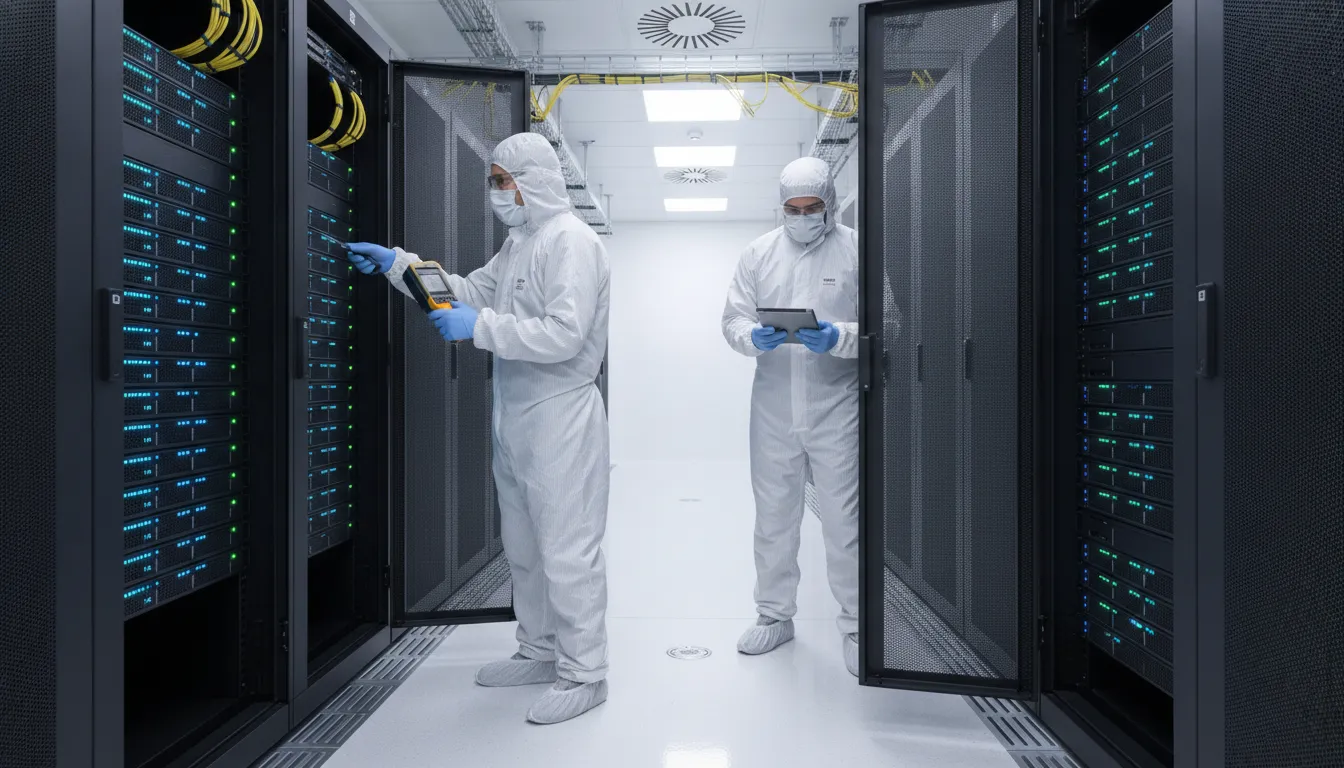
What belongs in the cleaning closeout record?
A full closeout record is the final step in professional data center maintenance cleaning. This record proves that the work met strict rules for air and surface health. It gives facility managers a clear look at what the crew did during the work window. Without this proof, it is hard to track if the site stays within ISO 14644 standards for air health.
Post-cleaning checks and photos
The record starts with a visual check of the whole room. Teams look for dust on server racks and cable trays. They also check the floor plenum to ensure no trash remains. Before and after photos are a key part of this file. These photos show the change in the room and prove that the crew used safe ways to clean. A clear facility-manager guide to planning data center maintenance cleaning helps ensure no spot is missed during this walk.
Data and air quality results
For high-stakes sites, the closeout pack includes air tests. These tests count small bits that can hurt hardware. Too much dust can lead to mechanical or electrical failures in servers. The Centers for Disease Control and Prevention notes that risk tests for dust are vital in critical areas. By recording these levels, managers can see if the site is safe for long-term use. This data also helps find spots that may need more care next time.
Sign-off and lessons learned
Every record needs a final sign-off from the lead tech and the site manager. This step confirms that the team met all project goals. It also lists any issues found during the work, like loose wires or floor tile gaps. These notes form a list of lessons learned. This feedback helps improve the base for the next visit. It ensures that the cleaning stays fast, safe, and good for the needs of the facility.
Use a final data center maintenance cleaning checklist
A final walk-through is the most vital part of any work window. It ensures that no dust, trash, or tools stay to threaten your uptime. Before you close the area or sign off on work, you must check that all surfaces meet clean standards. This step protects your servers from failure caused by airborne bits of dirt.
Check the work scope
Start by checking that the team finished all tasks on the work order. This includes hard-to-reach spots like the sub-floor and the tops of server racks. Use bright lights to find any hidden dust that could enter the air. Proper data center maintenance cleaning needs a clear view of every rack, cord, and tile.
You should also check that the team followed safe steps. Make sure that all vacuums and tools have been taken from the room. It is helpful to do a quick risk check before the site starts back up. The CDC recommends risk checks for any work that creates dust to keep areas safe.
Clear paths and waste
Next, focus on the paths through the room. Make sure that all doors and floor tiles are back in place and flat. Loose tiles or trash in the aisle can cause trips or block cool air. Take all trash, empty boxes, and wipes from the site to lower fire risks.
Final sign-off must include a photo of the clean room for your files. This provides proof that the site was in top shape when work ended. If you find any issues, note them down and set a new date for the fix. This record is key for a high maintenance cleaning frequency and good site health.
- Check scope: See that every task in the work plan is done.
- View surfaces: Check racks, floors, and cords for dust with a bright light.
- Clear routes: Take all tools and trash from aisles and paths.
- Test tiles: Make sure all floor tiles are flat and locked in place.
- Note site state: Take clear photos of the clean room for your files.
- Read logs: Note any issues or new work needed in the site log.
- Sign off: Sign the work order once the room meets your standards.
Frequently Asked Questions
How often are data centers cleaned?
Most teams deep clean their data center at least once or twice each year to stay safe. But busy rooms might need more care to keep the air clear of harmful dust. Normal checks help find dirt before it hurts your gear or slows down your work. Based on ISO 14644 standards, keeping air clean is vital for all delicate tech. Staying on a set plan stops dust build-up and keeps your whole site running well.
What maintenance do data centers need?
Data centers need care for both gear and rooms to avoid the high cost of downtime. Dust in the air can cause hardware to fail through many types of damage. Tiny bits of sulfur can even eat away at the silver parts on your circuit boards. Studies from ASHRAE show that small parts are very easy to harm with simple room dirt. Managers must plan for cooling tests and deep cleaning to keep the site safe for years.
How do data centers get cleaned?
Expert teams use unique tools and steps to clean these very delicate and vital spaces. They must clean the top floor and the crawl space below to stop dust from moving. This work often uses vacuums with strong filters to wipe down the outer gear and racks. It is smart to run a risk check before any work that might stir up dust. This careful plan helps teams avoid risks while they work near your live server racks and gear.
What do data center cleaners do?
Trained cleaners use an orderly process to remove tiny bits that normal cleaning crews might miss. They focus on vital spots like server rooms, labs, and other clean areas. These pros have deep skills in both IT work and building care for large sites. This mix of skills means they can work near delicate gear without any risk of damage. Their goal is to protect your site by cutting down on both air and surface dirt.
Ready to protect your data center after maintenance?
Explore Foreman Pro Cleaning’s data center cleaning services and request a customized plan.
Skipping a deep clean after facility work leaves sensitive hardware at high risk. Dust and debris from maintenance projects can quickly clog air intakes and lead to costly equipment failure. Taking action now ensures your environment stays within safe particulate limits and maintains its operational life.
Ready to request a customized data center cleaning plan? Call 888-360-1608 to talk to a critical environment expert.
