
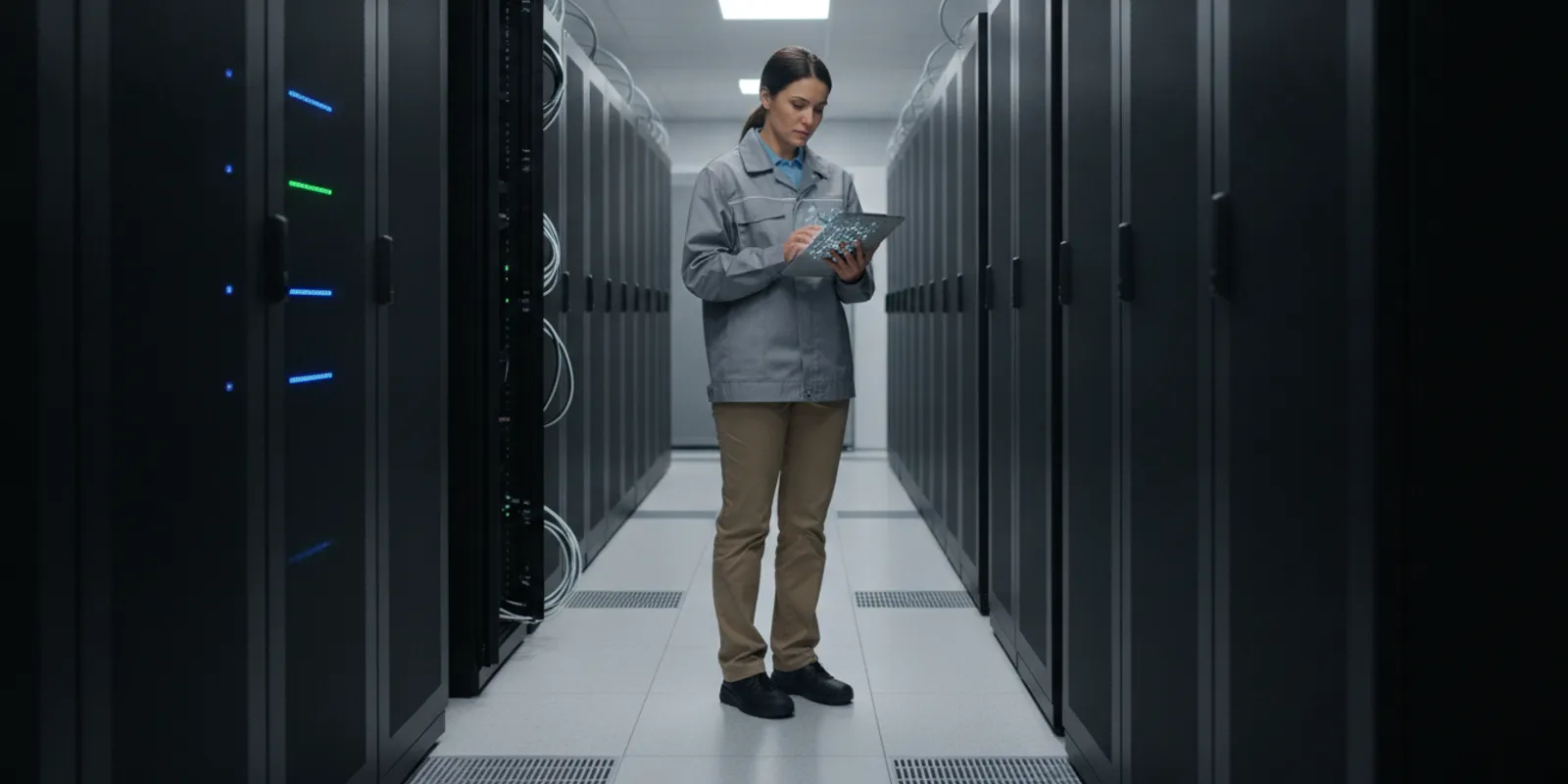
Good data center cleaning documentation answers a practical question: what work was authorized, where and when did it happen, who performed and reviewed it, and what conditions or exceptions were found? A clear record connects the approved scope to the service performed without suggesting that cleaning staff accessed, moved, or altered systems outside their authorization. For facilities teams, that makes data center cleaning documentation useful for handoffs, operational review, and planning the next service.
Discuss a cleaning plan for your facility
What should data center cleaning documentation record?
Start with a service record that another authorized person can understand without relying on memory or a verbal handoff. It should identify the facility and service visit, define the areas included, record the work completed, and distinguish observations from actions. Keep it factual. Do not claim that a system was safe, compliant, or unaffected unless an authorized person established that conclusion through the facility’s own process.
At a minimum, document:
- Visit identity: facility or site identifier, service date, start and finish times, and the record’s own reference number if the site uses one.
- Authorization: the approved work order, permit, ticket, or scope reference; the person or role who authorized the visit; and any relevant access or escort requirements.
- Work location: building, room, aisle, zone, floor, or other site-approved identifier precise enough to establish where work took place.
- Scope and status: tasks planned, tasks completed, tasks deferred or omitted, and the reason for any difference.
- People and review: the service personnel or team identifier, site representative or escort when applicable, and the reviewer or approver required by site procedure.
- Observations and follow-up: conditions noticed, the person notified, the notification time or reference, and the next action owner where one was assigned.
Facilities may use different forms and systems. A paper checklist, work-management ticket, or controlled digital form can all serve as the record if it captures the required information, is retrievable, and follows the site’s rules for access and retention. Foreman Pro Cleaning provides commercial and critical-environment cleaning; the facility’s operations team remains the authority for access permissions and operational approvals.
How should data center cleaning documentation identify the approved scope and work area?
Use site terminology that matches the work authorization. A broad label such as “server room” may not be enough for a large facility with multiple rooms, zones, or raised-floor areas. Use the facility’s approved room, zone, or asset-area identifiers. Avoid adding sensitive rack-level details to a record that will be distributed beyond people who need them. If the site restricts infrastructure details, record only the approved location reference.
Make the scope understandable in both directions: what the team was authorized to do, and what was outside the assignment. For example, the record might state that a named floor area was included, while powered equipment, cable connections, or enclosed spaces were excluded unless separately authorized. The exact boundaries must come from the customer’s work authorization and facility procedures, not from a generic checklist.
A useful scope entry separates:
- Included areas: the spaces and surfaces listed in the work order.
- Authorized tasks: the service activities approved for those areas.
- Restrictions: access limits, required escorts, operational windows, and no-touch or no-entry boundaries.
- Exclusions: areas or activities not included, including work that requires another authorization or specialist.
Where raised-floor areas are included, record the specific area and authorization rather than writing only “underfloor complete.” Site teams can use a consistent local naming scheme for sections or panels without exposing unnecessary infrastructure details. For background on the location itself, see this overview of what a data center subfloor plenum is and the related considerations in data center subfloor cleaning.
Which visit details make the record traceable?
Traceability depends on being able to connect a completed visit to its authorization and supporting records. Capture the service date and times, work-order or ticket identifier, and the current version or date of the checklist used. If an approval, access log, permit, or change-control reference applies, note its identifier in the format the site accepts. Do not copy access credentials or other secrets into a cleaning report.
Record time consistently using the facility’s local time convention. When work spans a shift or service window, include separate start and finish times for each relevant phase if the site asks for them. If the team pauses, exits, or resumes work, record the interruption when it affects authorization, coverage, or handoff. Precision matters more than elaborate prose: “Zone B, 22:10–22:45, authorized task complete” is more useful than “worked in the room for a while.”
For a multi-person team, the record should identify who completed the work in a way the customer and service provider can resolve later. A site may require individual names, a lead person, a company identifier, or a controlled roster reference. Follow that requirement. Do not add personal information that is not needed for accountability, and do not use a signature as a substitute for identifying what was actually done.
Also preserve the relationship between a service report and its evidence. If a separate checklist, permit, exception notice, or corrective ticket holds the detail, use a stable reference number and make sure an authorized reviewer can retrieve it. A folder full of unlabelled files is not a reliable service history.
How should work performed and materials be described?
Describe completed tasks in plain, specific language that matches the approved scope. Name the location and the relevant task category; then mark it complete, partial, deferred, or not performed. When a form uses checkboxes, include an “not applicable” or “not completed” path so an unchecked box does not leave the status ambiguous.
Document the method and materials at the level required by the facility’s procedure or contract. This can include the approved cleaning method, tool or equipment type, and product identifier when the customer requires it. Do not imply that every cleaning visit uses the same materials or technique. Product and method choices should be confirmed against site requirements and equipment boundaries before service.
A concise entry might say: “Approved surface-cleaning task completed in the authorized aisle using the site-approved method. No equipment was moved. Remaining item: adjacent panel area excluded pending separate authorization.” This reports scope, method in general terms, and an exception without claiming system performance or a technical result that the cleaning team did not verify.
For critical environments, distinguish cleaning activity from inspection, maintenance, environmental monitoring, or technical testing. If a worker notices a condition that may need technical evaluation, record the observation and escalation. Do not present the cleaning record as proof that a device, room, or environmental parameter passed a separate test. If a contract, regulatory requirement, or validated program applies, identify the governing document and revision in the authorization or reporting instructions. A broad label such as “industry standard” is not a substitute for naming the requirement that the facility actually follows.
Talk with Foreman Pro about critical-environment service documentation
Foreman Pro’s critical environment cleaning services and data center cleaning services are relevant starting points for defining a program. Facilities planning room-level work can also review server room cleaning considerations and the data center cleaning checklist. These resources do not replace a site-specific authorization or operating procedure.
What exceptions and observations should be recorded?
Document any difference between the approved plan and the work completed. An exception record should identify the affected area or task, describe what prevented completion, state whether work stopped or continued elsewhere, and note who was informed. Include a time and a ticket, incident, or follow-up reference when one exists. If the site requires approval before resuming, record that the team waited for authorization rather than implying that the original scope expanded automatically.
Use neutral, observable language. “Access not granted to Zone C at 23:15; site representative notified; task not performed” is clearer than “Zone C was unsafe.” The latter makes a judgment that may require a formal assessment. Separate what the worker directly observed from any interpretation, and direct technical concerns to the designated site contact.
Common items worth noting, when relevant to the approved reporting process, include:
- An area was unavailable, occupied, restricted, or not included in the authorization.
- A required escort or approval was not available at the scheduled time.
- A surface, enclosure, or condition appeared different from the agreed scope.
- A task was paused because the team needed clarification or a site contact’s direction.
- A condition was reported to operations, security, or another designated role.
- A follow-up task was requested, assigned, or left pending for a separate work order.
Do not photograph or record sensitive infrastructure unless the facility has explicitly authorized it. If images are allowed, follow the rules for approved devices, storage, retention, and distribution. A written location reference and an escalation ticket may be more appropriate than an image.
How can a facility verify completion without overstating results?
Verification should match the contract and facility process. A service checklist can show that listed tasks were marked complete; a supervisor review can confirm that required fields were filled; a customer sign-off can acknowledge receipt. These are different forms of verification, so label them accurately. A signature that confirms receipt is not automatically technical acceptance, environmental testing, or proof of system condition.
Use an explicit review section with the reviewer’s role, review date and time, and status such as accepted, returned for clarification, or pending. When a reviewer identifies a missing field or discrepancy, record the correction and retain the applicable version history according to site policy. Do not silently overwrite the original service record if the customer requires an auditable trail.
A completion review can check:
- Does the report match the work order and approved location names?
- Are all planned tasks marked with an unambiguous status?
- Are exceptions, restricted areas, and deferred work clearly stated?
- Are required product, method, and personnel fields complete?
- Are notifications and follow-up references recorded?
- Is the report stored where authorized facility personnel can find it?
For further context on process planning, see Foreman Pro’s data center cleaning best practices and guide to selecting a data center cleaning company. Service documentation should support the facility’s own review process, not replace it.
Which records belong in a service documentation set?
A single completed report may be sufficient for a small, clearly bounded visit. More complex work can involve several connected records. The table below is a practical way to assign a purpose to each record type; it is not a universal regulatory checklist. Use the customer’s contract, security policy, and retention rules to decide which records are required.
| Record type | What it should show | How it supports review |
|---|---|---|
| Work authorization or ticket | Approved scope, area, restrictions, requester, and reference number | Establishes what the team was permitted to do |
| Visit or service report | Date, times, locations, task status, personnel reference, and reviewer | Connects the visit to work performed and completion status |
| Exception or notification entry | Observed issue, affected task or area, contact notified, time, and next step | Explains gaps, interruptions, and escalation |
| Product or method record | Approved method and any material identifiers required by site procedure | Shows what was used when the facility requires that detail |
| Follow-up work item | Open issue, assigned owner, due or review point, and closure status | Keeps deferred work distinct from completed service |
| Review or acceptance record | Reviewer, review date, status, and any correction reference | Clarifies whether the record was checked and what that check meant |
Keep the record set proportionate. More fields do not automatically create better documentation. Unnecessary duplication can cause conflicting versions, while an overlong form can encourage incomplete entries. Agree on one source of truth, define who can edit it, and make related files discoverable through the service or ticket reference.
How should records be stored and handed off?
Follow the facility’s rules for confidentiality, retention, and access. Store reports in the designated system, limit access to authorized people, and use the site’s approved naming conventions. A useful file name may include a service date and work-order reference, but should not expose restricted room details in a broadly visible directory. Apply the customer’s retention schedule rather than inventing a universal period.
When a report is sent to another team, include only what that recipient needs. A facility manager may need the completion summary and open exceptions, while a technical owner may need a specific authorized observation. Keep the original record available through the approved channel. If a change or correction is needed, preserve the version or correction trail required by the site.
Before closing a service visit, hand off open items with a clear owner and next action. “Follow up required” is incomplete unless the record says what needs attention and how the site should locate the related ticket. If no action is required, state that the record has no open cleaning-related follow-up identified by the service team, rather than making a broader claim about the facility.
How can buyers define documentation before service begins?
Agree on documentation requirements during planning, not after a report is missing. Ask the provider and facility contacts to define the report format, required identifiers, approved terms for areas, who reviews the document, where it will be stored, and how exceptions are escalated. If the site has security restrictions, settle photo, device, and data-handling rules before the first visit.
Clarify what is included in the service record and what belongs to a different process. For instance, a cleaning provider can document the tasks assigned and observations made during service; facility engineering or operations may own equipment inspection, system testing, or environmental measurement. Put that division in writing so no one expects a cleaning report to certify a separate technical outcome.
A pre-service documentation review is especially useful when work involves raised-floor or subfloor areas, restricted operating windows, multiple zones, or repeat visits. The scope should use site-approved access boundaries, and the reporting fields should make unfinished tasks visible. To discuss a site-specific service and reporting approach, contact Foreman Pro Cleaning.
Request a conversation about your facility’s cleaning scope
What questions do facility teams ask about data center cleaning documentation?
Does every cleaning visit need the same report?
No. The record should match the approved work, contract, and facility procedures. A routine, bounded visit may need a concise checklist; a visit with multiple zones, restrictions, or exceptions may need supporting tickets or separate records.
Should the report list every rack or asset?
Only when the facility authorizes and requires that level of detail. Use approved location identifiers and avoid distributing sensitive infrastructure details to people who do not need them.
What should the team do if an area cannot be accessed?
Do not imply that work was completed. Record the affected area, the reason if known, the time, who was notified, and the follow-up or authorization needed. Follow the site’s instructions about whether to continue in other authorized areas.
Does a completed checklist prove equipment was unaffected?
No. A cleaning checklist records assigned work and its status. It is not, by itself, a technical inspection or system test. Any claim about equipment condition should come from the authorized process and personnel responsible for that determination.
Which standards should a facility reference?
Use the standards and facility requirements applicable to the site and the work. ASHRAE publishes technical resources for building systems and data center environments; consult the current material through the ASHRAE website and confirm requirements with the facility’s qualified technical owners. A general reference does not replace a site-specific procedure.
Clear records connect authorization, service activity, review, and follow-up while keeping technical judgments with the people responsible for them. Define the form and handoff before work begins, then use it consistently so every visit has a readable and appropriately controlled history.
